


Short version: yes, you can rack up steps during a stand-up meeting, as long as the machine is quiet, slim enough to live under a desk, and slow enough that you can still type. That rules out a regular treadmill. Here’s what does fit the brief, with the one spec worth checking on each.
Ultra-Quiet Portable Walking Pad

The starter pick. It’s built around low noise, so your manager hears your voice and not a motor, and it goes up to 6.2 mph if you want a faster lap after logging off. It comes in four colors and is small enough to roll under a desk between sessions.
One buyer who uses it for workdays and for restless kids called it small, easy to move and easy to start. The honest caveat from the same review: with no rail, balance takes a minute to find, so keep a desk edge within reach at first.
Spec that matters: No handrail. Great for desk walking, less great if you want something to grip.
Compact Walking Pad with Remote
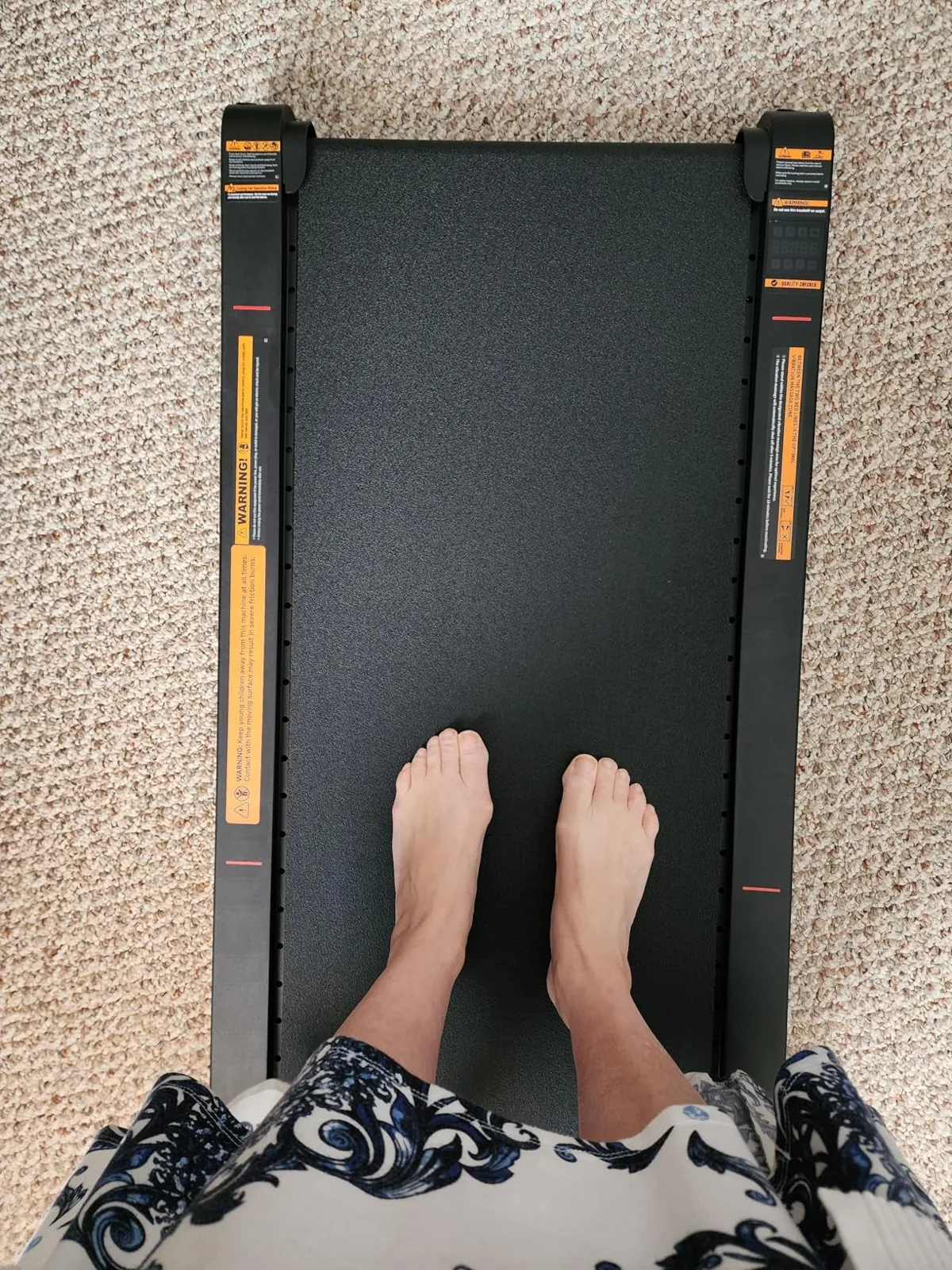
If your calendar is wall-to-wall calls, the remote is the feature. You change speed without bending down or breaking eye contact with the camera. One remote worker who sits at a computer all day said people on the other end of her calls couldn’t hear it at all, and that walking through the day lifted her mood as much as her step count. It’s compact, so it slides under the desk or anywhere else once you’re done.
Best for: Back-to-back video meetings.
Black Low-Noise Walking Pad
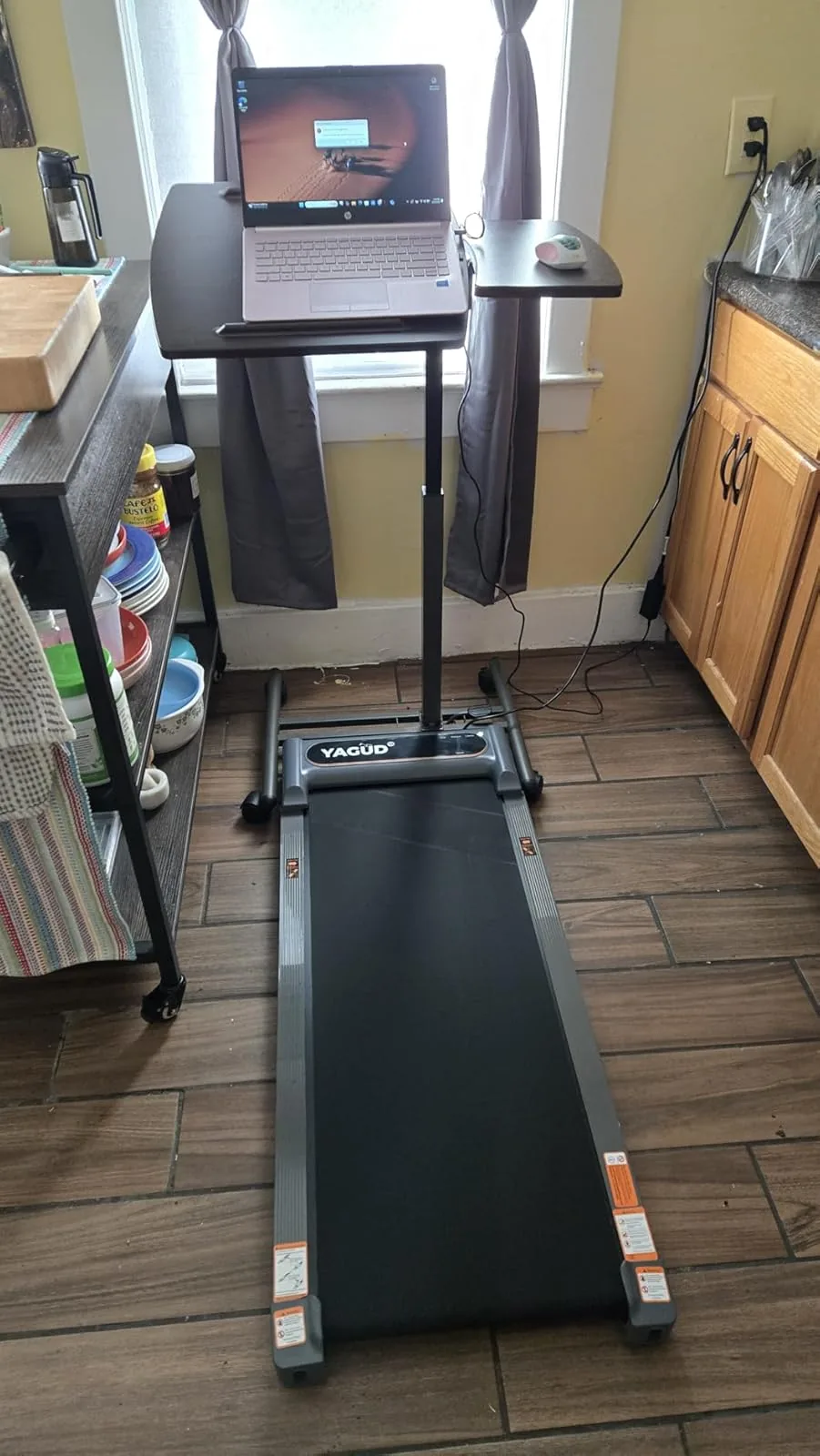
Numbers first: 0.6 to 3.8 mph, and a design rated under 60 decibels. That range is the sweet spot for working. The slow end is a stroll you can type through, and the top end is a light jog for lunch breaks.
It’s also on the lighter side. A buyer with a remote job said it’s easy to push out of the way when he wants to sit, and still quiet enough for calls. If your “office” is a kitchen counter with a laptop stand, this one fits that kind of setup.
Walking Pad with Folding Handlebar
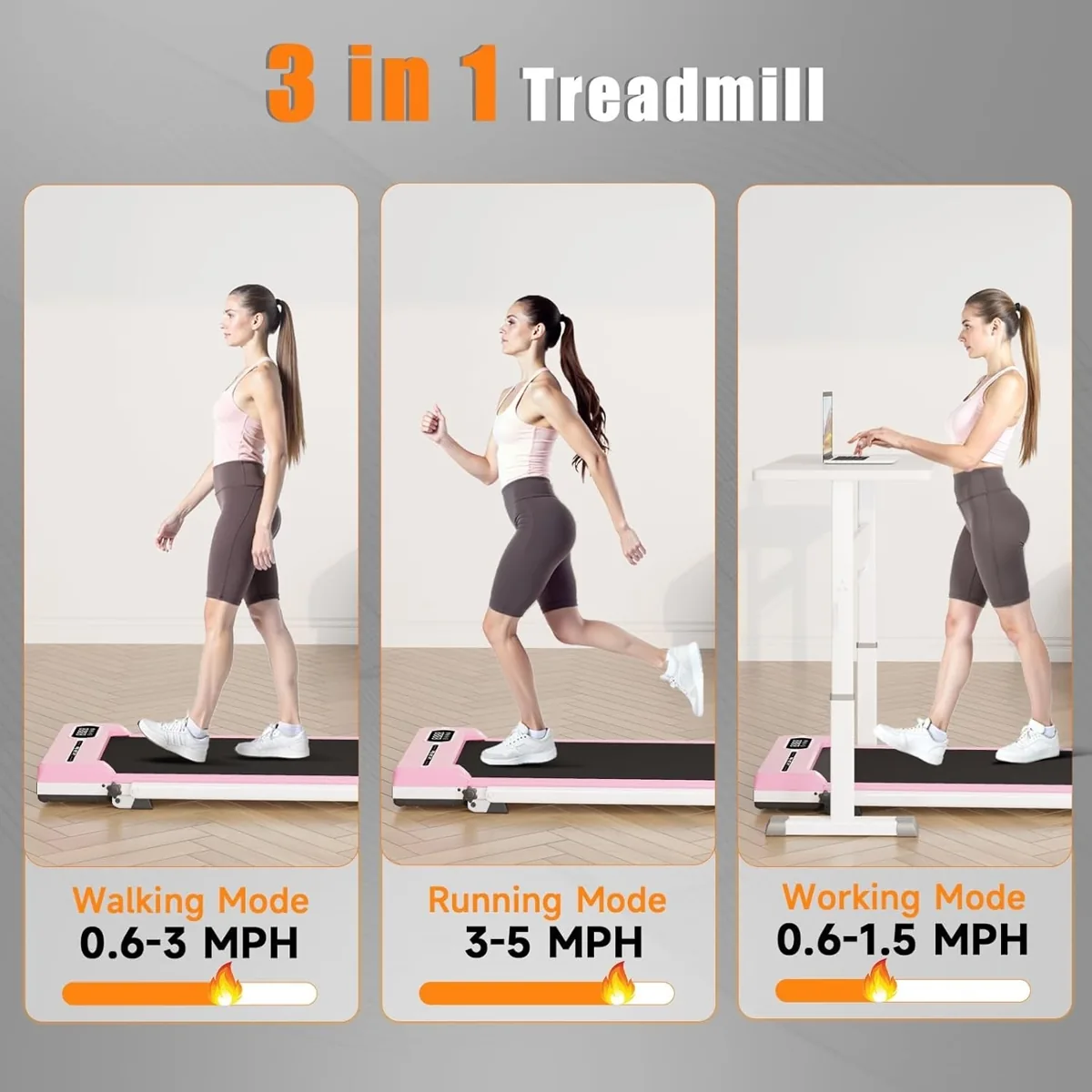
This is the answer to the balance problem above. The handlebar works two ways. Fold it flat and the pad slides under a standing desk like any other. Raise it and you get something to hold, plus a ledge for a phone or tablet, which is handy for a podcast walk or a call you only need to listen to.
A buyer who pairs it with a standing desk likes that she can push it under the desk whenever she wants to sit back down. Two colors.
Best for: First-timers who want a rail to hold on to.
Egofit Walker Under-Desk Treadmill
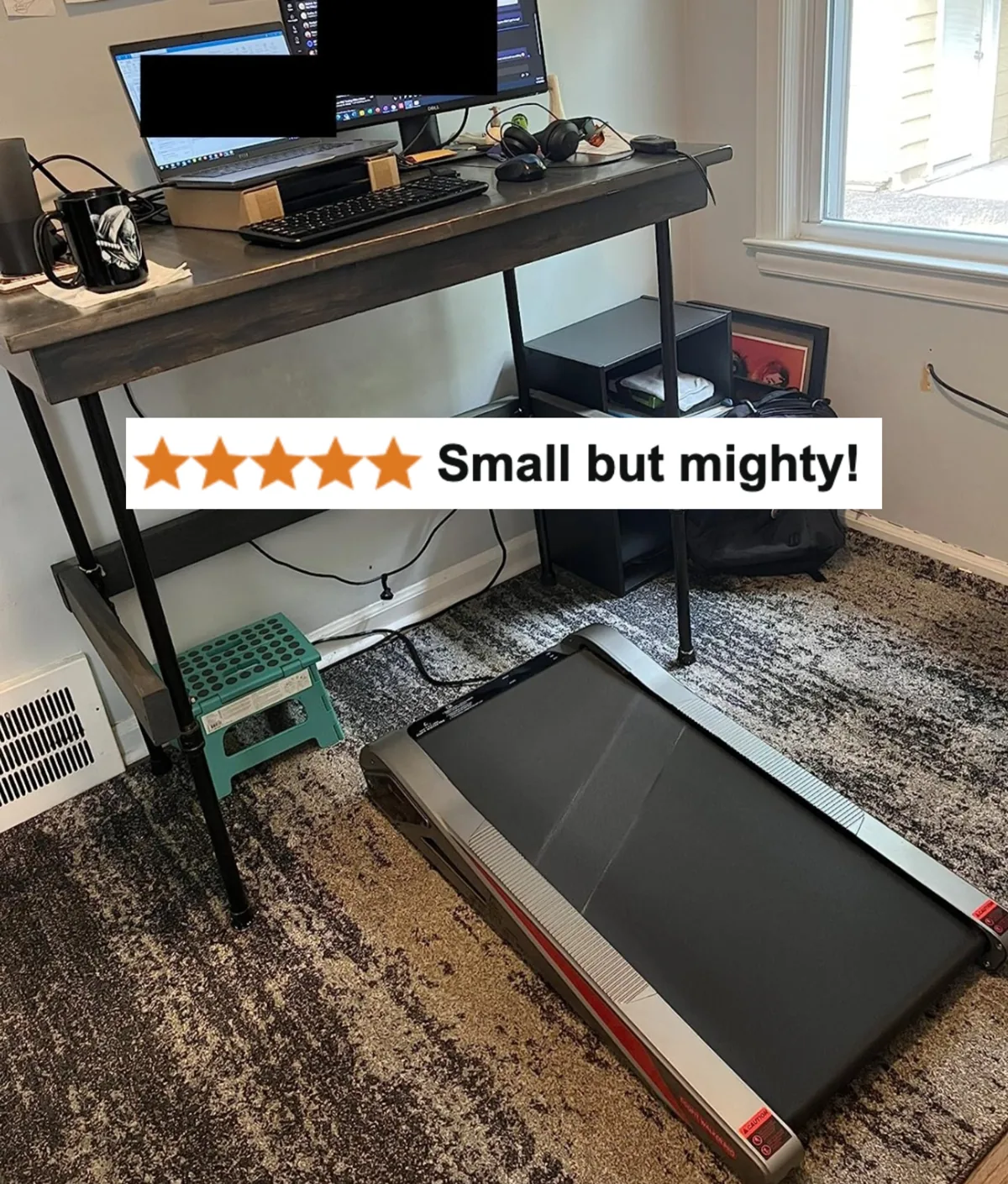
Studio apartment? This one is made for tight quarters. It unfolds in a small space and gets out of the way when the home office turns back into a living room or bedroom at night.
What sets it apart is the incline, which adds effort without adding speed. That matters at a desk, because faster walking makes typing harder, but a slope doesn’t. You can adjust it with a remote or through an app that also tracks your progress. A buyer who works long desk hours called it sturdy, smooth and quiet enough for meetings. Two styles are available.
Spec that matters: Incline plus app tracking.
Foldable Walking Pad
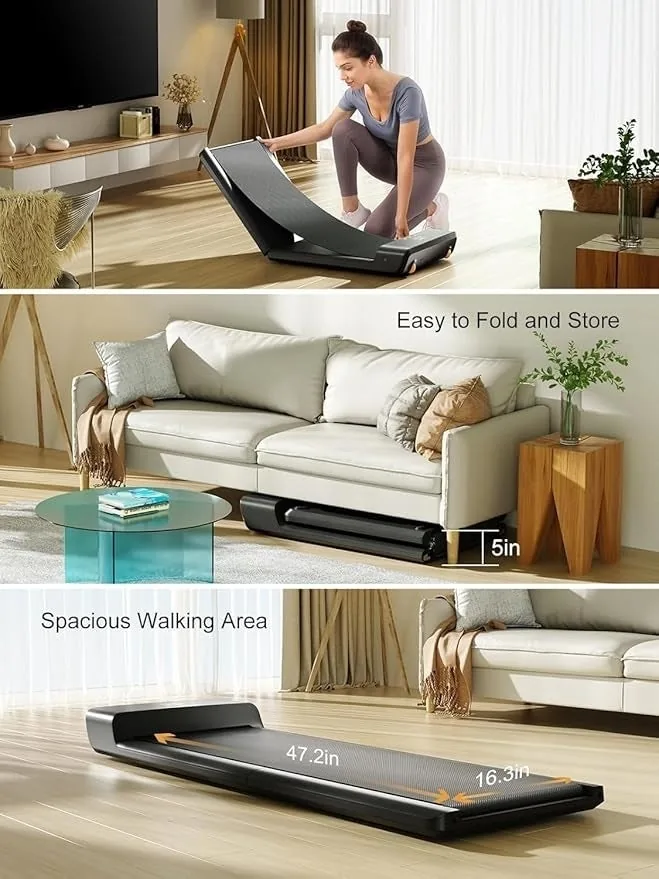
No room under the desk? Fold it in half instead. After your walk it goes into a closet or under a sofa, so it doesn’t sit in the middle of the room all evening. A buyer called it sturdy and well built with a smooth walk, said setup was simple, and liked how easy the remote makes speed changes. She also noticed more energy during the workday once she used it regularly.
Best for: Small homes where storage space is the real limit.
Under-Desk Elliptical

Not ready to stand all day? This keeps your legs moving while you stay seated. It sits on the floor under your desk, and you pedal in a smooth elliptical motion while you work. A buyer who uses it at the office said it’s so quiet nobody knows she’s on it. Two coworkers tried it while covering her desk, and both went and bought their own.
Good to know: It’s the only pick here that works with a regular-height desk, no standing desk required.
Before You Order
- Measure the space under your desk, or the closet if you’ll fold it away.
- Want something to hold? Pick the handlebar model.
- On calls all day? Go for a remote, so changing speed never pulls you off screen.
- No standing desk? Start with the elliptical.
